Browse topics
Getting Started
Creating Your First Team
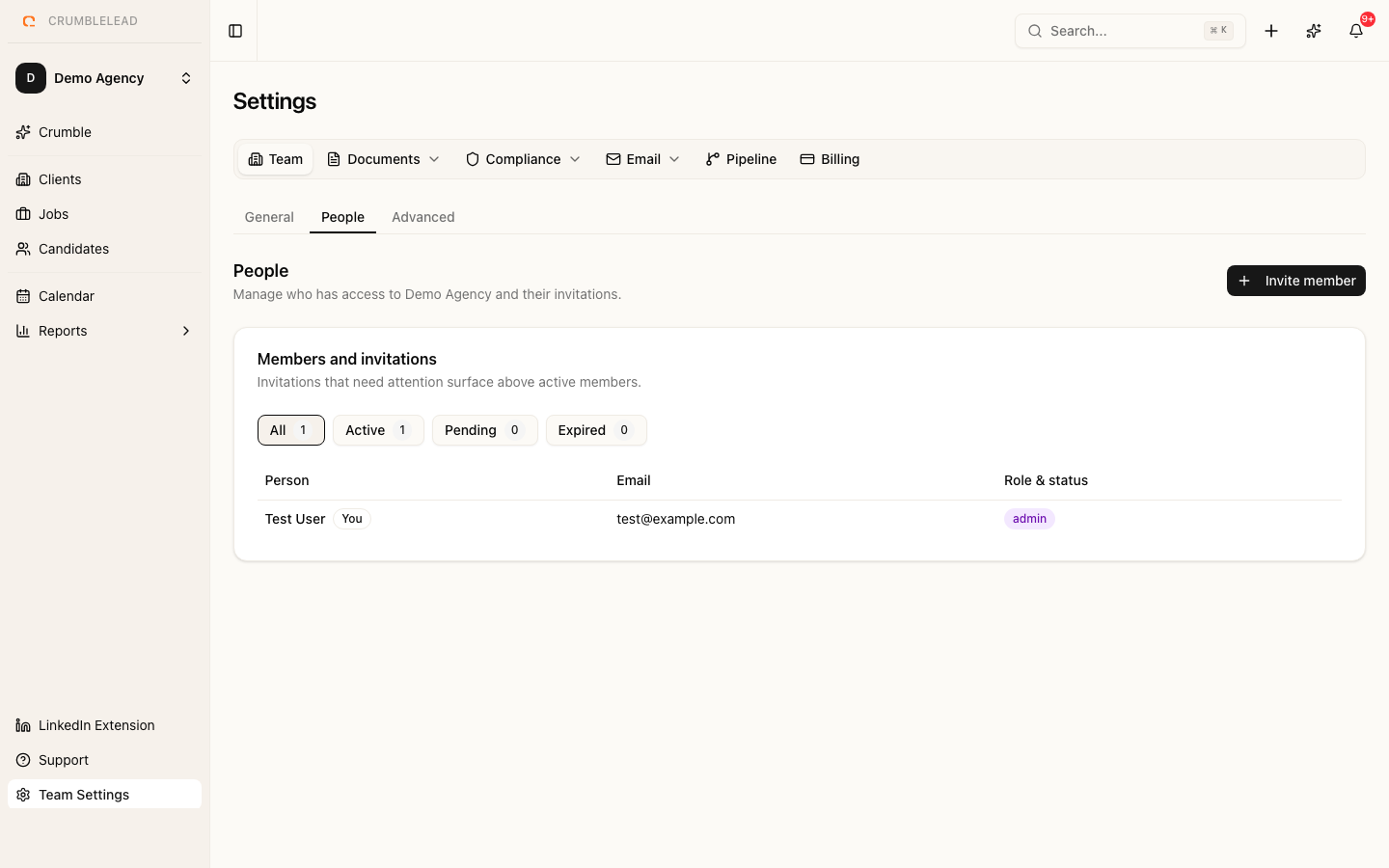
Your team is created automatically
When you sign up for Crumblelead, a team is created for you automatically using your name. This is your workspace where all candidates, clients, jobs, and placements live.
Inviting team members
To invite colleagues to your team, go to Settings > Team Members and click Invite Member. Enter their email address and select a role:
- Admin - Full access to all features including settings and billing
- Staff - Can manage candidates, clients, jobs, and placements
- Viewer - Read-only access to all data
The invited person will receive an email with a link to join your team. If they already have a Crumblelead account, they will be added to your team automatically. Otherwise, they will need to create an account first.
Switching between teams
If you belong to multiple teams, click on your team name in the sidebar to switch between them. Your active team determines which data you see throughout the application.