Browse topics
Jobs & Pipelines
Recording Placements and Tracking Revenue
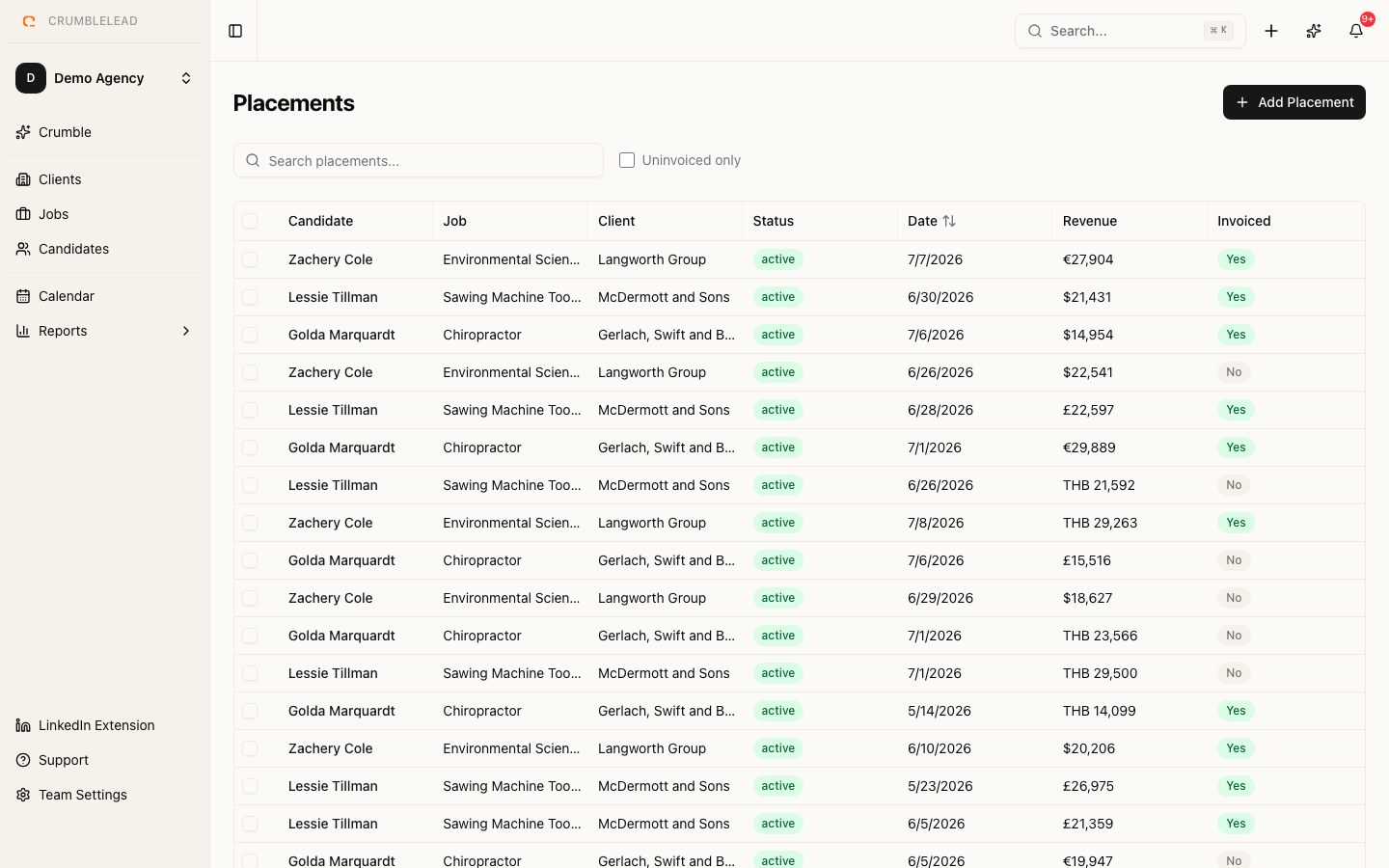
Creating a placement
When a candidate accepts an offer, create a placement record to track the details. Go to the candidate's application in the job pipeline and click Create Placement.
Fill in the placement details:
- Start date - When the candidate begins
- Salary - The agreed compensation
- Fee / Revenue - Your agency's fee for this placement
- Invoice status - Track whether you have invoiced the client
Placement statuses
- Pending - Offer accepted, not yet started
- Active - Candidate is currently in the role
- Completed - Placement period finished successfully
- Cancelled - Placement fell through
Revenue reporting
All placement revenue is visible on your dashboard. Filter by date range, client, or recruiter to understand where your revenue is coming from. Use this data to identify your most profitable clients and focus your business development efforts accordingly.