Browse topics
Jobs & Pipelines
Creating and Managing Job Listings
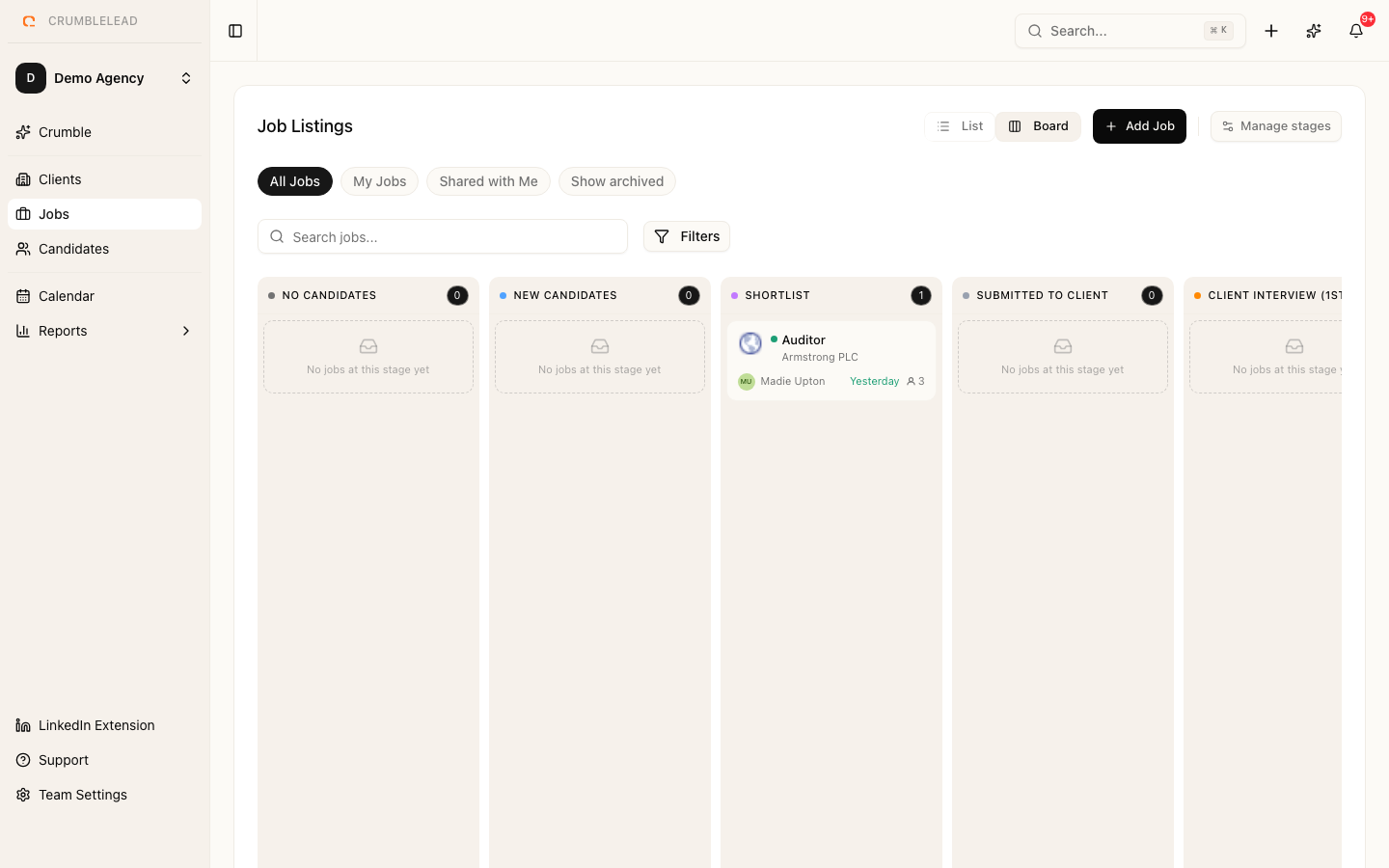
Creating a job listing
Go to Jobs in the sidebar and click Create Job. Fill in the details:
- Title - The job title as it will appear to your team
- Client - Which client this role belongs to
- Employment type - Full-time, part-time, contract, or temporary
- Location and Remote policy
- Salary range - Used for candidate matching
- Description - Full job description in rich text
Job statuses
Jobs move through these statuses:
- Draft - Being prepared, not yet active
- Sourcing - Actively looking for candidates
- In Progress - Candidates are in the pipeline
- On Hold - Temporarily paused
- Filled - Position has been filled
- Cancelled - Role is no longer needed
Pipeline stages
Each job comes with a customizable pipeline. The default stages are: Applied, Screening, Interview, Offer, and Hired. You can rename, add, or remove stages to match your client's process.