Browse topics
Searching and Filtering Candidates
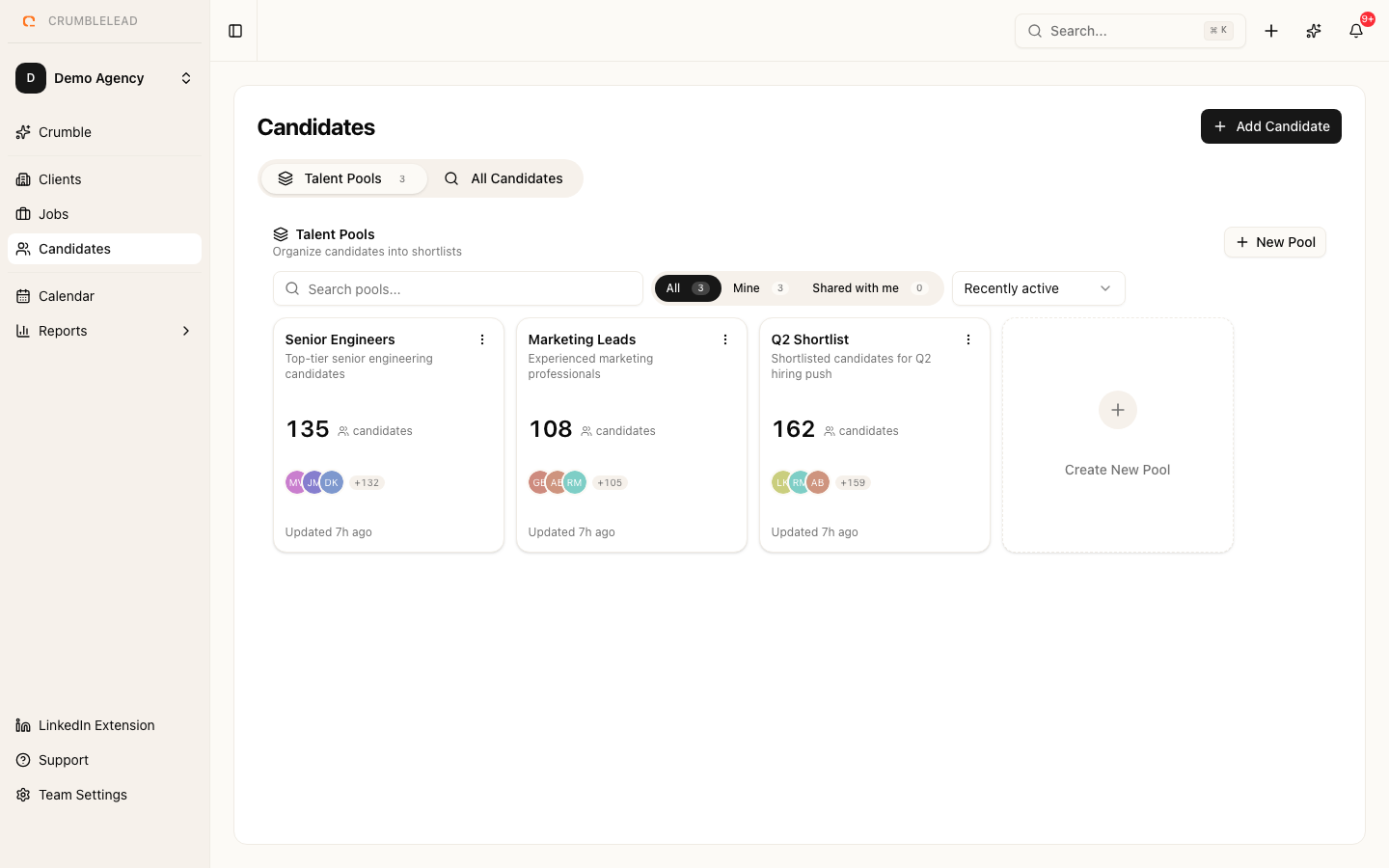
Quick search
Use the search bar at the top of the Candidates page to search by name, email, or phone number. Results update as you type.
Filtering
Click Filters to narrow down your candidate list by:
- Status - Active, Passive, Placed, Hired, or Blacklisted
- Skills - Filter by one or more skills
- Location - Search by city or region
- Date added - Find recently added candidates
Filters can be combined. For example, search for Active candidates with "React" and "TypeScript" skills in London.
Saved filters
If you use the same filter combination frequently, save it for one-click access. Click Save Filter after applying your filters, give it a name, and it will appear in your filter sidebar.
You can also set a default filter that loads automatically when you open the Candidates page. This is useful if you primarily work with a specific subset of candidates.
Sorting
Sort candidates by name, date added, or last activity. Click the column header to toggle between ascending and descending order.