Browse topics
Managing Candidates
Adding and Importing Candidates
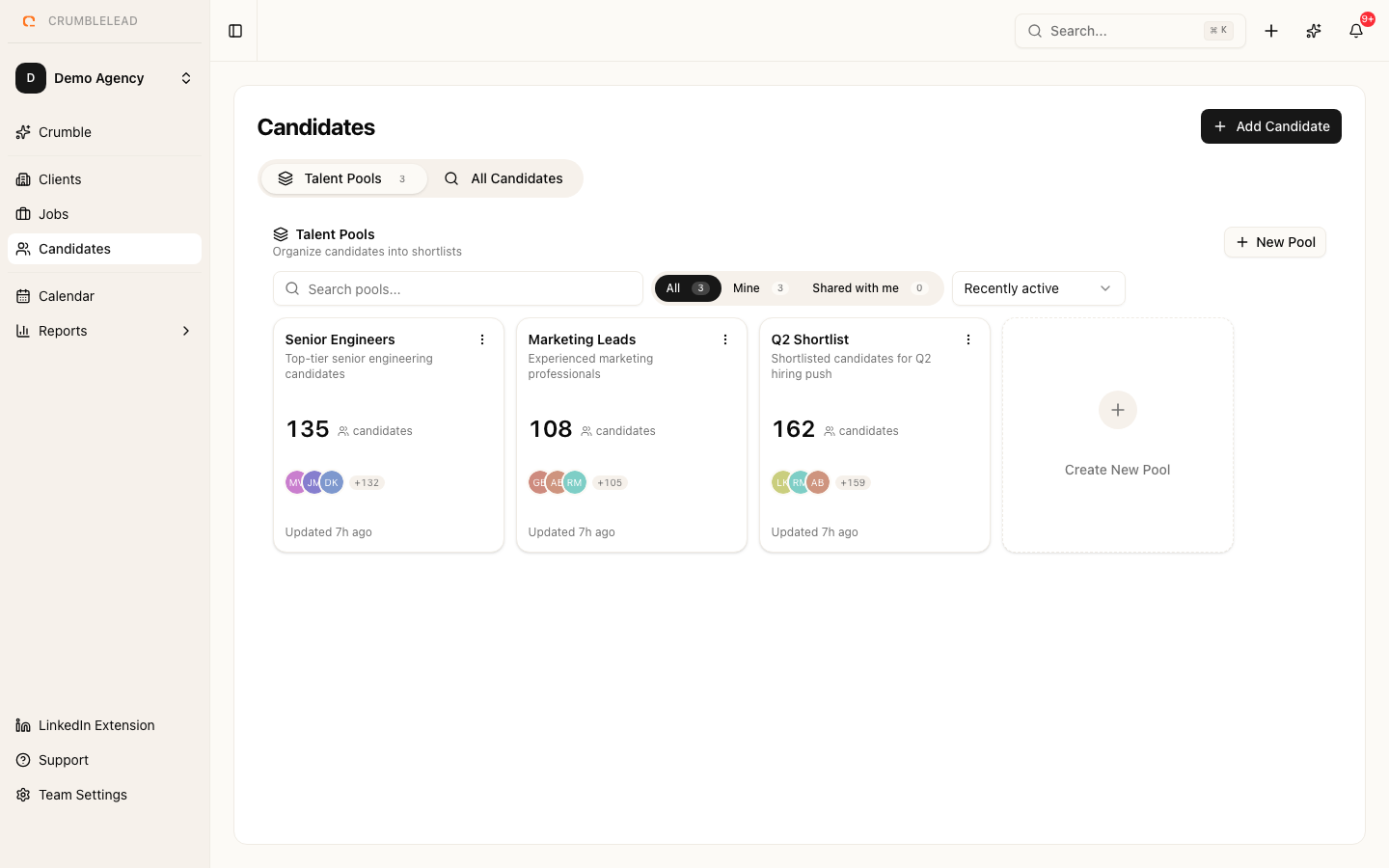
Adding a candidate manually
Click Candidates in the sidebar, then click Add Candidate. Fill in the candidate's details:
- First name and Last name (required)
- Email (required, must be unique within your team)
- Phone, Location, and LinkedIn URL (optional)
- Skills - Add relevant skills as tags
- Resume - Upload a PDF or Word document
Click Save to create the candidate record.
Resume parsing
When you upload a resume, Crumblelead automatically extracts key information like skills, experience, and education. This data is stored alongside the candidate record and used for matching and search.
Candidate statuses
Each candidate has a status that tracks where they are in their overall journey:
- Active - Available and looking for opportunities
- Passive - Not actively looking but open to the right role
- Placed - Successfully placed in a role
- Hired - Hired through your agency
- Blacklisted - Not eligible for future roles